


Unlock next-level productivity without spending a dime.
In 2026, the AI landscape for developers is bigger and more accessible than ever. Whether you're building apps, writing code, debugging systems, automating workflows, or trying out research APIs, there’s a free AI tool to help you work faster and smarter. From coding assistants to machine learning libraries, here’s your guide to the best free AI tools developers should be using right now.
_____________________________________________________________________________________________
Why Free AI Tools Matter in 2026
Two big trends define AI developer tools this year:
- Democratization of AI power
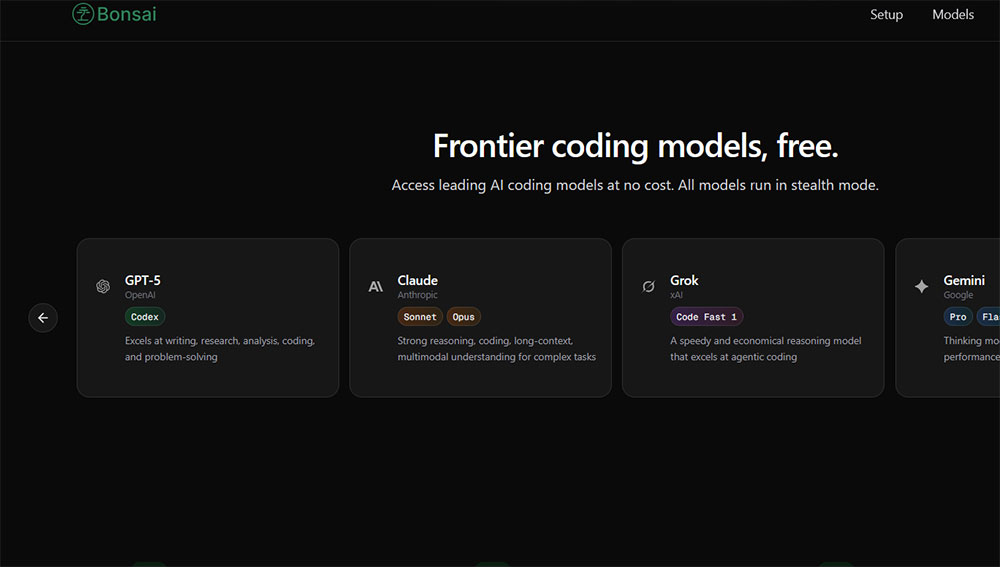
Major AI models like Claude Sonnet 4.6 are now available with features once only found in paid tiers, closing the gap between free and premium access.
- Open-source momentum
Projects like OpenClaw show that community-driven AI assistants can scale to millions of users and thrive as open ecosystems. ([Wikipedia][2])
These trends mean developers have a unique chance. You can create sophisticated AI-powered systems without needing a large budget.
_________________________________________________________________________________
1. AI Coding & Pair Programming Tools
Google Gemini Code Assist — Free Tier
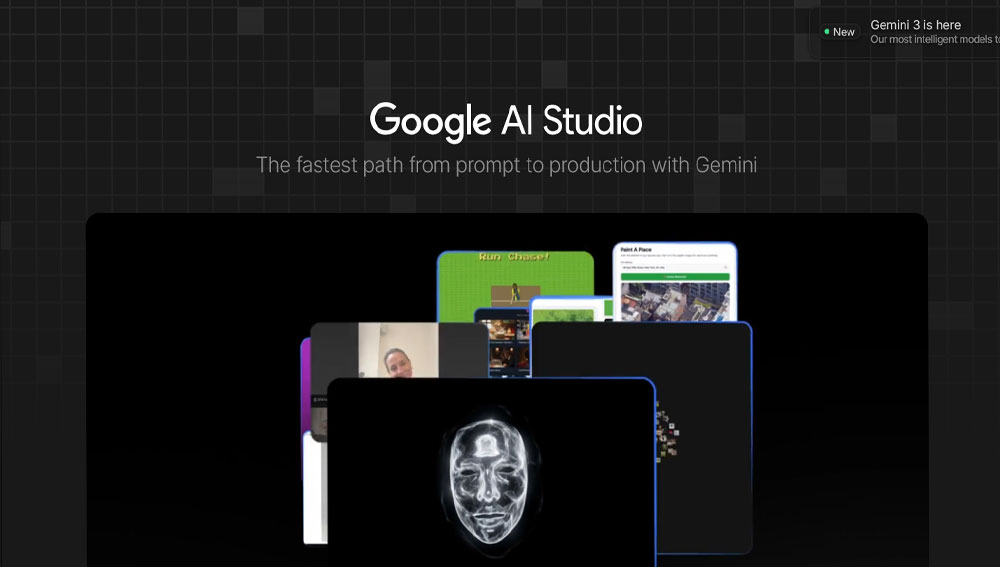
One of the most powerful coding assistants available for free, Gemini Code Assist offers real-time code completions, intelligent debugging support, and language support across many programming languages. It integrates with popular editors like VS Code and JetBrains. ([The Verge][3])
👉 Best for: Solo developers, students, and hobbyists.
Codeium — 100% Free Forever

Unlike many assistants that limit their free tiers, Codeium remains completely free. It works with popular IDEs, supports over 50 languages, and provides intuitive code completions, error explanations, and suggestions. ([velimoza][4])
👉 Best for: Coders who want a reliable AI assistant without payment.
__________________________________________________________________________________
OpenClaw — Open-Source Autonomous Assistant
OpenClaw is a community-driven AI assistant that automates common tasks by reading repositories, managing files, and running code through LLMs. It’s free, MIT-licensed, and has become an open foundation after gaining popularity among developers. ([Wikipedia][2])
👉 Best for: Developers who appreciate customizable, open tools.
_____________________________________________________________________________
2. Next-Gen Development & Experimentation Tools

TensorFlow — Machine Learning’s Workhorse
A staple for ML developers, TensorFlow remains one of the best free libraries for building and training neural networks, from simple models to advanced deep learning systems. ([Wikipedia][5])
👉 Best for: ML engineers and researchers.
_________________________________________________________________________
Free AI APIs You Can Plug Into Your Apps
Developers creating chatbots, analytics tools, or AI services don’t have to build models from scratch. Many providers offer free tiers of powerful APIs:
Google Gemini API— Free usage for summarization, coding, and multimodal tasks. ([AI Curator][6])
OpenRouter— A single gateway to dozens of free model endpoints. ([AI Curator][6])
Hugging Face Serverless Inference — Test community models in your applications. ([DEV Community][7])
👉 Best for: App developers exploring AI without hosting models locally.
________________________________________________________________________________
3. Project Acceleration & Workflow Enhancers

Gemini CLI — AI in Your Terminal
Taking AI beyond browsers and IDEs, Gemini CLI brings AI interactions right to your terminal. You can write code, debug, manage tasks, and generate documentation using natural language. ([The Verge][8])
👉 Best for: Developers who prefer terminal workflows.
______________________________________________________________________________
Claude Artifacts & App Builder
Anthropic’s Claude allows you to create interactive AI apps without coding or APIs. This no-code approach makes it easy to prototype AI workflows that users can immediately share and use. ([Lifewire][9])
👉 Best for: Rapid prototyping and product experimentation.
______________________________________________________________________________
4. Advanced Tools (Bonus)
Phind — Live Developer Search Engine
While not directly a coding tool, Phind serves as a free search engine designed for developers. It returns code snippets, debugging solutions, and direct links to documentation in real time. ([AI Fuel Hub][10])
Best for: Quick debugging.
______________________________________________________________________________
Early-Stage Open Tools
The open-source community continues to produce free tools worth noticing:
Open Code AI Developer Tool— A free, terminal-based AI coding agent that integrates various models. ([Reddit][11])
AI Agent Frameworks like SolidGPT that balance on-device privacy with cloud capabilities. ([arXiv][12])
👉 Best for: Builders and experimenters looking for cutting-edge open tools.
_______________________________________________________________________________
5. How These Tools Change Developer Workflows
Here’s what developers can now do for free:
- Automated code completion and debugging
- Natural-language code generation
- Terminal-level AI interactions
- Prototyping full AI-powered apps without writing backend code
- Easy-to-use AI APIs for live systems
Studies show that AI coding tools can boost productivity by over 50%, especially in tasks like generating boilerplate code and documentation. Developers should review any suggested code to ensure quality and maintain standards. ([Reddit][13])
_____________________________________________________________________________
Pro Tips to Get the Most Out of Free AI Tools
✔ Combine tools smartly: Pair an API like Gemini with an editor like Codeium.
✔ Limit reliance on one tool: Each tool has different strengths, so blend them.
✔ Use open APIs for prototyping: Iterate quickly before scaling.
✔ Always review AI-generated code: Keep security and style standards in check.
______________________________________________________________________________
Looking Ahead: What’s Next?
In 2026, expect larger models available for free, deeper local transformations, and more autonomous coding experiences. As companies continue to release powerful free tiers, developers should stay curious and experiment with new tools.
"The best AI tool isn’t always the most popular one; it’s the one that solves your problem quickly without costing you money."
_______________________________________________________________________________
Bottom Line
From free coding assistants to AI-based project workflows, the 2026 developer ecosystem is full of powerful tools that cost nothing to start using. Whether you’re an indie developer, student, or CTO, these tools can enhance productivity, reveal new capabilities, and change how software is built without requiring a subscription.
👉 Start exploring these tools today and see what you can create for free with AI.
_______________________________________________________________________________
If you’d like, I can also provide graphics or tool comparison tables to make this even more engaging for your website audience. Just let me know!