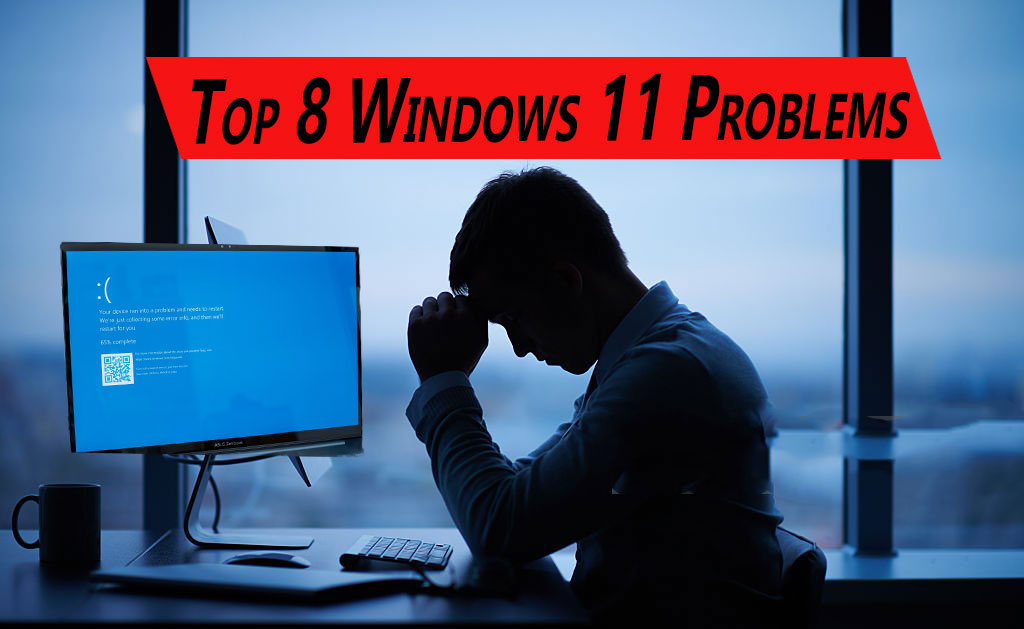

An in-depth look at ongoing bugs, performance issues, update headaches, and feature setbacks
Windows 11 launched with bold promises, including a modern interface, smoother workflows, AI-focused features, and long-term support from Microsoft. However, as we move into 2026, many users still report ongoing issues that affect daily use, productivity, gaming, security, and reliability.
In this article, we explore the top Windows 11 problems users experience in 2026 , explain why they persist, and — where possible — provide practical context or workarounds.
1.Update-Induced Bugs and Instability
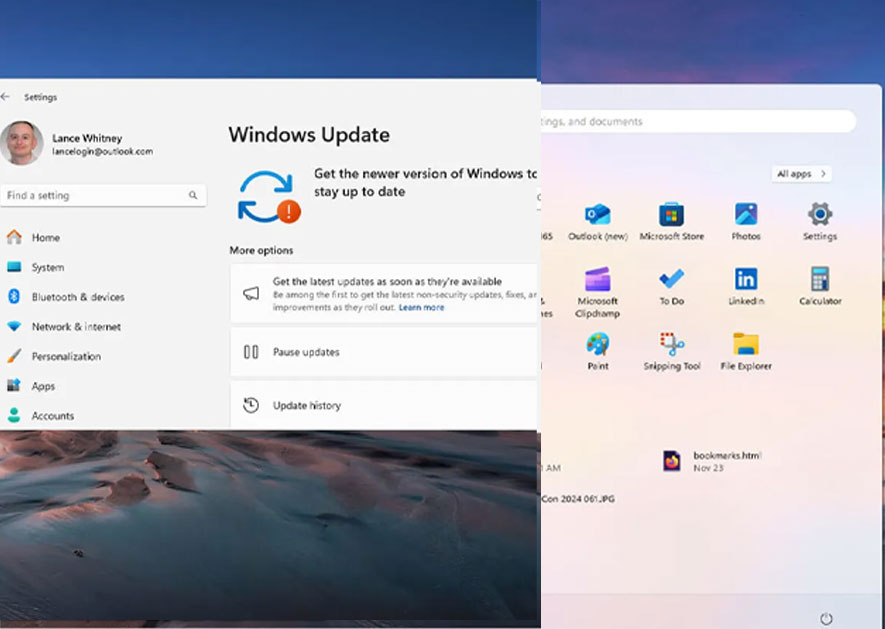
Recent Updates Introducing New Problems
Even as Microsoft releases cumulative updates for Windows 11, some patches are creating new issues.
A recent partial update aimed at improving dark mode in File Explorer has caused a bright white flash*when opening folders in dark mode. This bug is especially disruptive for users sensitive to light. Microsoft has acknowledged the issue but has not yet provided a full fix. (The Verge)
Older updates, such as the October 2025 KB5066835 patch, were so problematic that they broke Windows Recovery Environment (WinRE), temporarily making many systems unable to use recovery tools like Reset or System Restore. Microsoft had to send out an urgent out-of-band fix to address this situation. (Windows Central)
Update Bugs Triggering BitLocker Recovery Screens
Security updates have, at times, triggered *unexpected Bit Locker recovery prompts* on systems with Modern Standby support. This forces users to enter their recovery key, even if the device was functioning normally before the update. (Tom's Hardware)
2. Performance Slowdowns and Lag
Sluggish Performance After Updates
Many users report that recent Windows 11 updates make their devices *feel slower or less responsive*. They experience longer app load times, sluggish UI transitions, and general stuttering after system updates. Community threads from late 2025 describe this behavior in detail. (Reddit)
🎮 Gaming Performance Problems
Windows 11 was supposed to optimize gaming, but bugs have actually reduced performance in some cases:
- A potential Windows 11 bug affected Nvidia GPUs, causing significant performance drops (up to 50% or more) in popular games like Assassin’s Creed Shadows after a patch. This forced users to look for urgent hotfixes from Nvidia before either company could provide an official solution. (TechRadar)
- Other performance lag issues, including GPU utilization problems and slowdowns in streaming or capture software, remain noted by users and media outlets. (RS Web Solutions)
🪶 Resource and Stability Woes
Some users report unexplained high CPU and RAM usage, system lag after waking from sleep, and situations where Task Manager fails to close properly in some builds, leading to ongoing performance degradation over time. (Reddit)
3. UI and Usability Glitches
🧠 Incomplete Dark Mode Implementation
Despite dark mode being a flagship feature in Windows 11, users still encounter inconsistent or incomplete dark UI elements. This long-standing issue has been addressed in parts without a full resolution. (Windows Central)
🔍 Login and UI Misbehavior
Several users have noticed that the **password login option disappears visually** on the lock screen after some updates. Although the field still works if you know where to click, Microsoft confirms the glitch but has not yet provided a permanent fix. (The Times of India)
📌 Taskbar and Explorer Glitches
Reports of taskbar freezing, UI flickering, and File Explorer crashing or responding slowly continue to be common in user forums. Feedback from the community indicates these issues vary by hardware and update build. (TECHCOMMUNITY.MICROSOFT.COM)
4. Compatibility and Peripheral Problems
🖨️ Peripheral Hardware Issues
Despite being a modern operating system, Windows 11 still faces compatibility problems with some hardware:
- Users on certain Copilot+ ARM machines report issues with printing or devices failing to connect after upgrades. (System Plus)
- Audio output and Bluetooth devices sometimes fail or behave erratically after installing patches. (System Plus)
These issues can significantly affect business environments where reliable printer and audio performance are crucial.
⚠️ App Compatibility Struggles
Legacy applications and enterprise tools do not always function well with every Windows 11 update or security feature. This can lead to crashes, UI failures, or integration issues with productivity suites like Outlook and Google Workspace Sync. (System Plus)
5. Networking, RDP, and Remote Work Challenges
🖥️ Remote Desktop Bugs
Some Windows updates have disrupted Remote Desktop Protocol (RDP) functionality, causing freezing sessions or disconnects. This significantly impacts remote workers and system administrators. (Microsoft Learn)
🔄 Localhost and Server Issues
Updates have also affected localhost functionality, web servers, and IIS websites in development environments. This has resulted in connectivity or service failures that developers and IT teams must troubleshoot manually. (LinkedIn)
6. Update Deployment and Enterprise Frustrations
🧑💼 Admin Pain Points
Windows 11’s update behavior, particularly in enterprise settings, has caused ongoing headaches:
* Domain join operations fail in some scenarios after patches. ([9meters][14])
* Windows Update Services (WSUS) can freeze or malfunction during the rollout. ([9meters][14])
* Certain group policies and management tools do not work as expected after upgrades. ([9meters][14])
For corporate IT departments, these issues can delay deployments, complicate security updates, and increase the support burden.
7. Blue Screen of Death (BSOD) and Reliability Failures
Even after years of patches, Windows 11 **still occasionally triggers BSODs**. These often relate to driver conflicts, hardware mismatches, or patch regressions.
Users with high-end builds or specialized peripherals report periodic system crashes traced back to driver or patch conflicts. This serves as a reminder that even modern operating systems can experience critical faults. ([GeekChamp][15])
8. Slow and Fragmented User Adoption
While not a “bug” per se, Windows 11’s slow adoption, with millions of PCs still on Windows 10 due to compatibility issues or user reluctance, reflects ongoing dissatisfaction or hesitance toward the new OS. ([Maombi][16])
This fragmented situation also affects how widely fixes are rolled out. With multiple versions of Windows still in support, Microsoft’s update focus and testing resources are spread thinner.
Conclusion: Still Buggy, But Evolving
Windows 11 has improved compared to its early versions. However, it
still faces significant challenges in 2026
- Update regressions and instability remain a major user concern.
- Performance and gaming experiences vary greatly with hardware.
- UI inconsistencies, peripheral compatibility issues, and enterprise deployment glitches continue to surface.
- Users and IT professionals still encounter regular surprises — not always the good kind.
Microsoft continues to patch these issues, but the complexity of the OS, the variety of supported hardware, and the constant addition of new features (like AI integration) make perfect stability a moving target.
Recommendations for Users (Quick Checklist)
- Always back up your BitLocker recovery key before major updates.
- Delay automatic updates if you depend on critical productivity or enterprise tools.
- Monitor Known Issues on Microsoft’s Windows release health dashboard before applying updates.
- Update drivers from OEM sites (not just Windows Update) for improved compatibility.
- Join Insider channels (optional) to test upcoming fixes earlier.